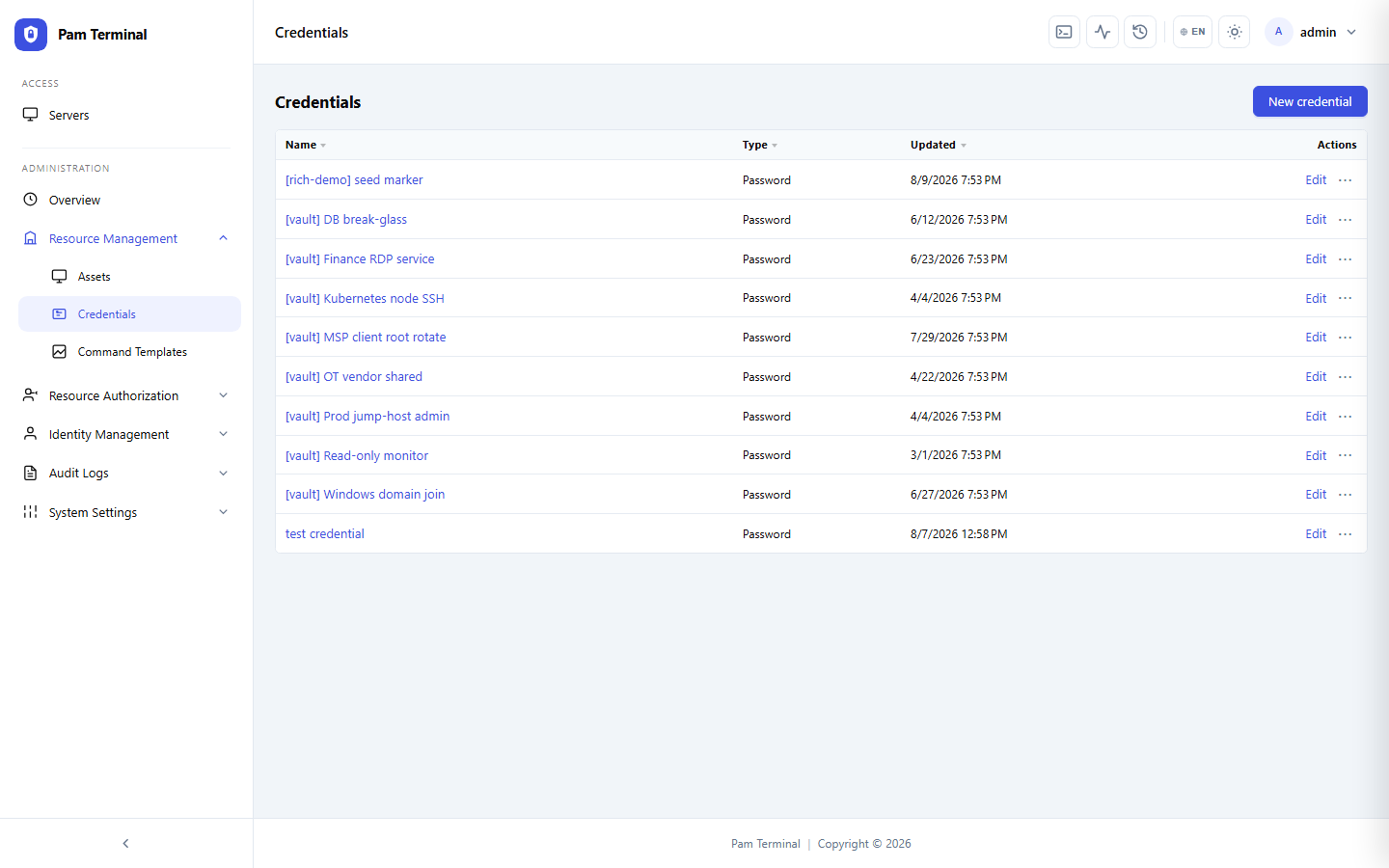
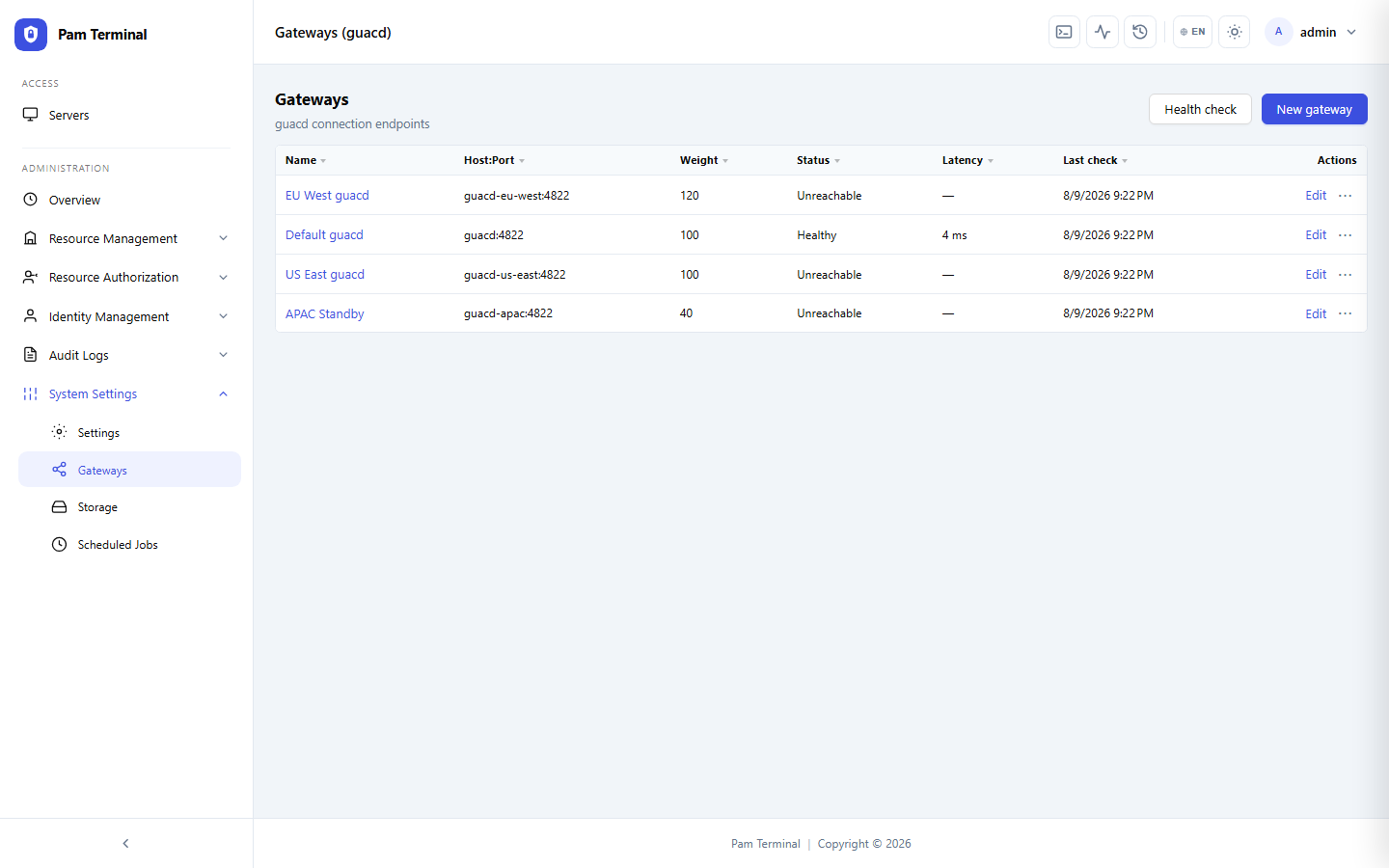
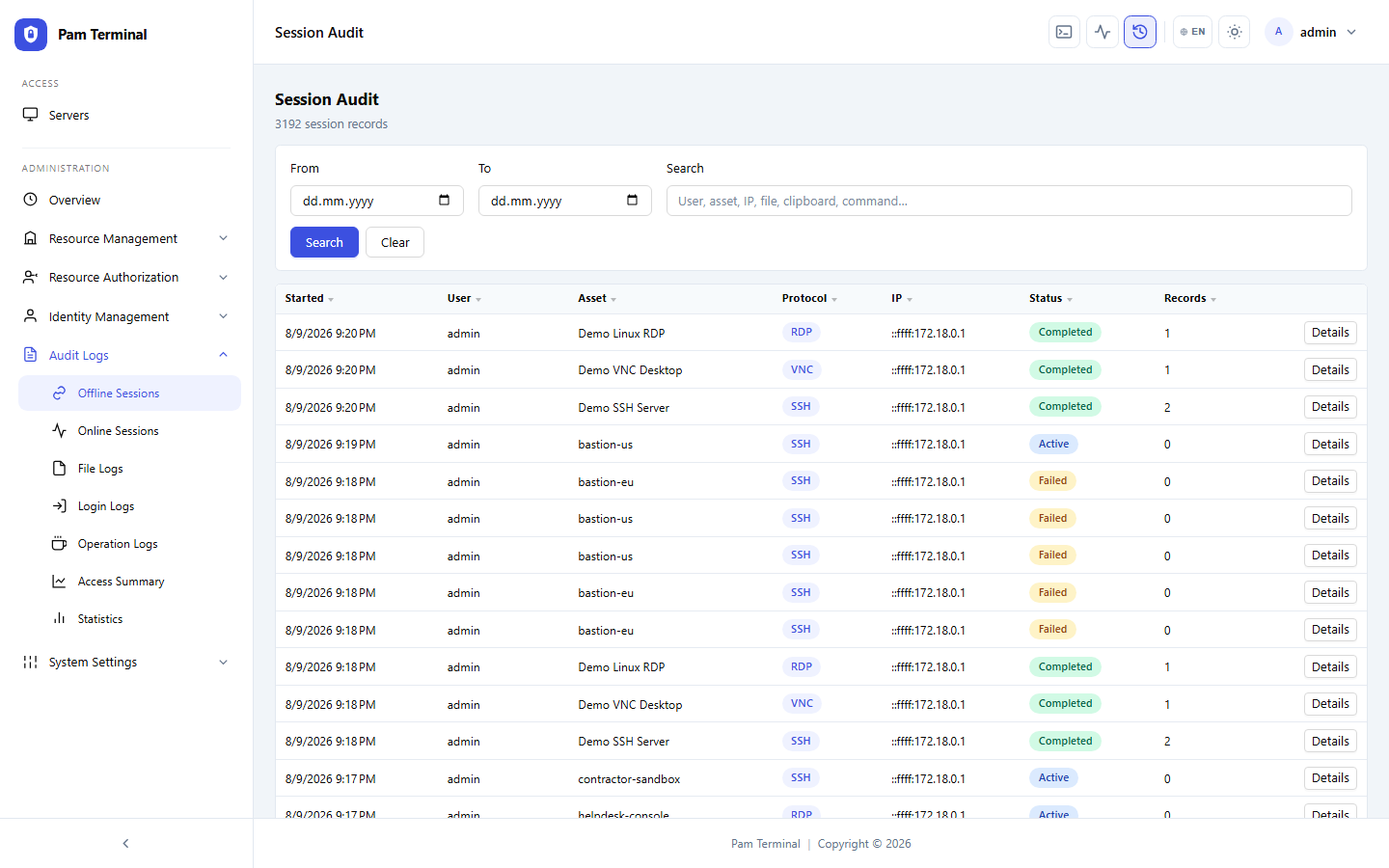
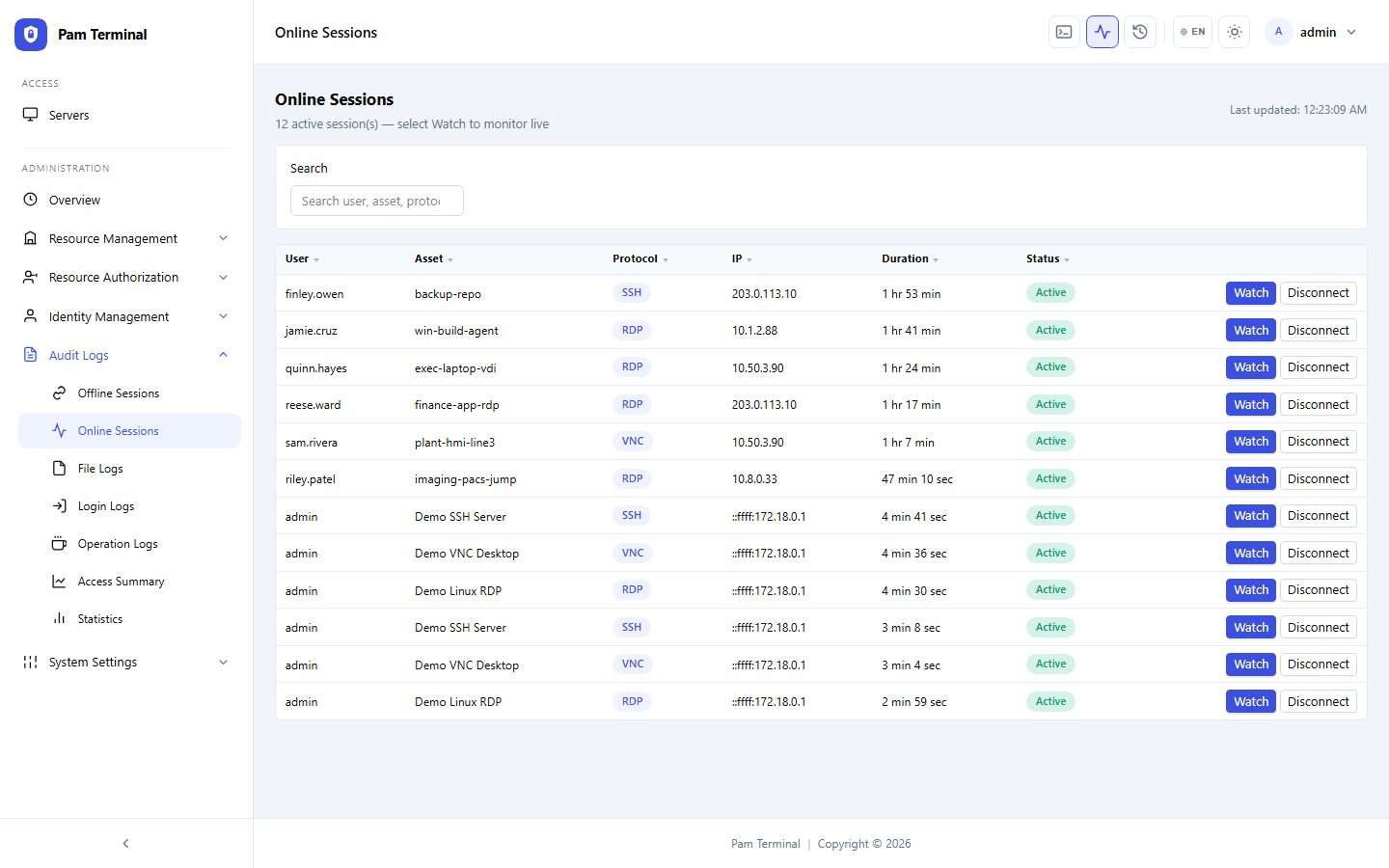
The team moved EHR and imaging support sessions into Pam Terminal so every remote action is attributable and replayable for HIPAA documentation.
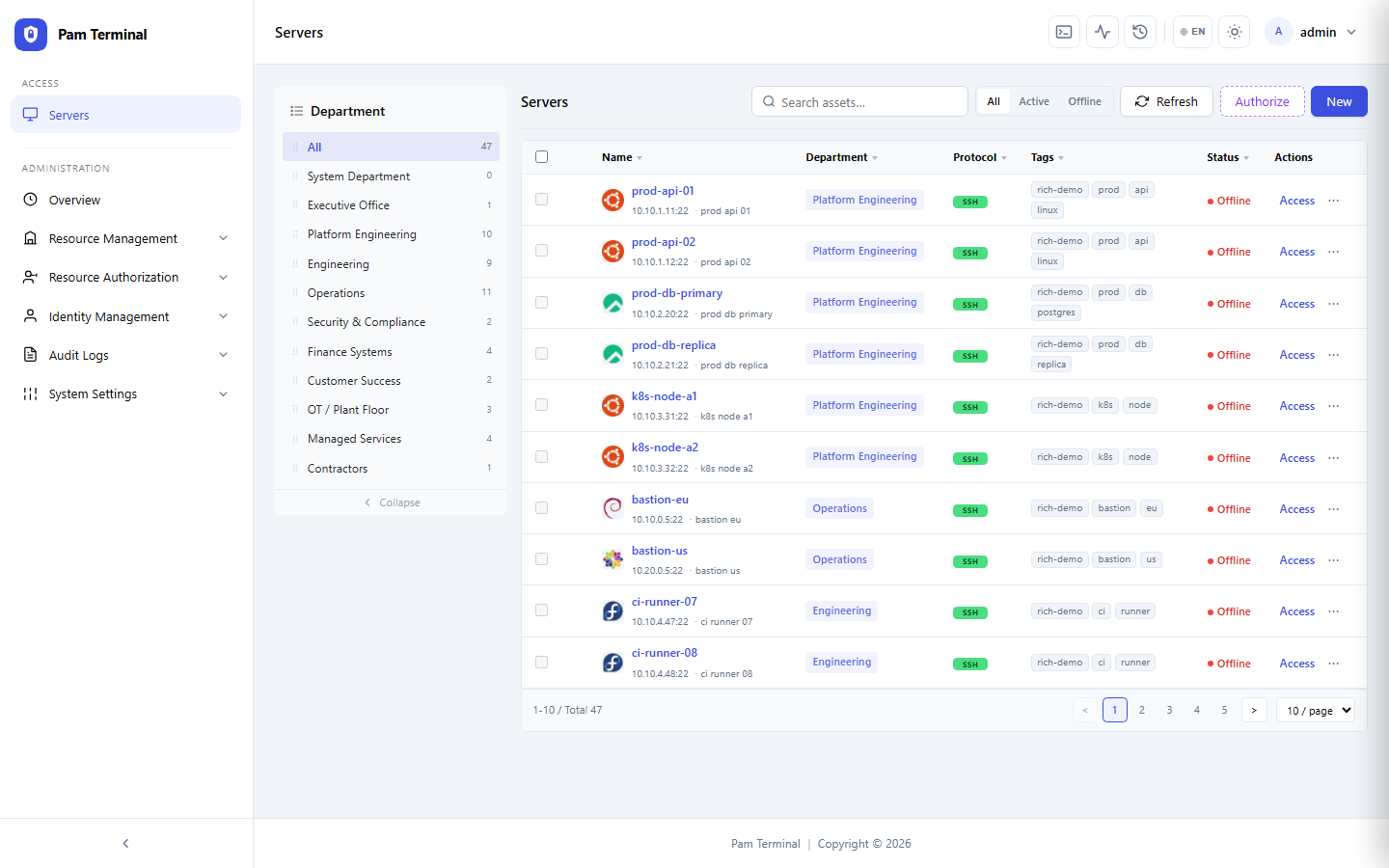
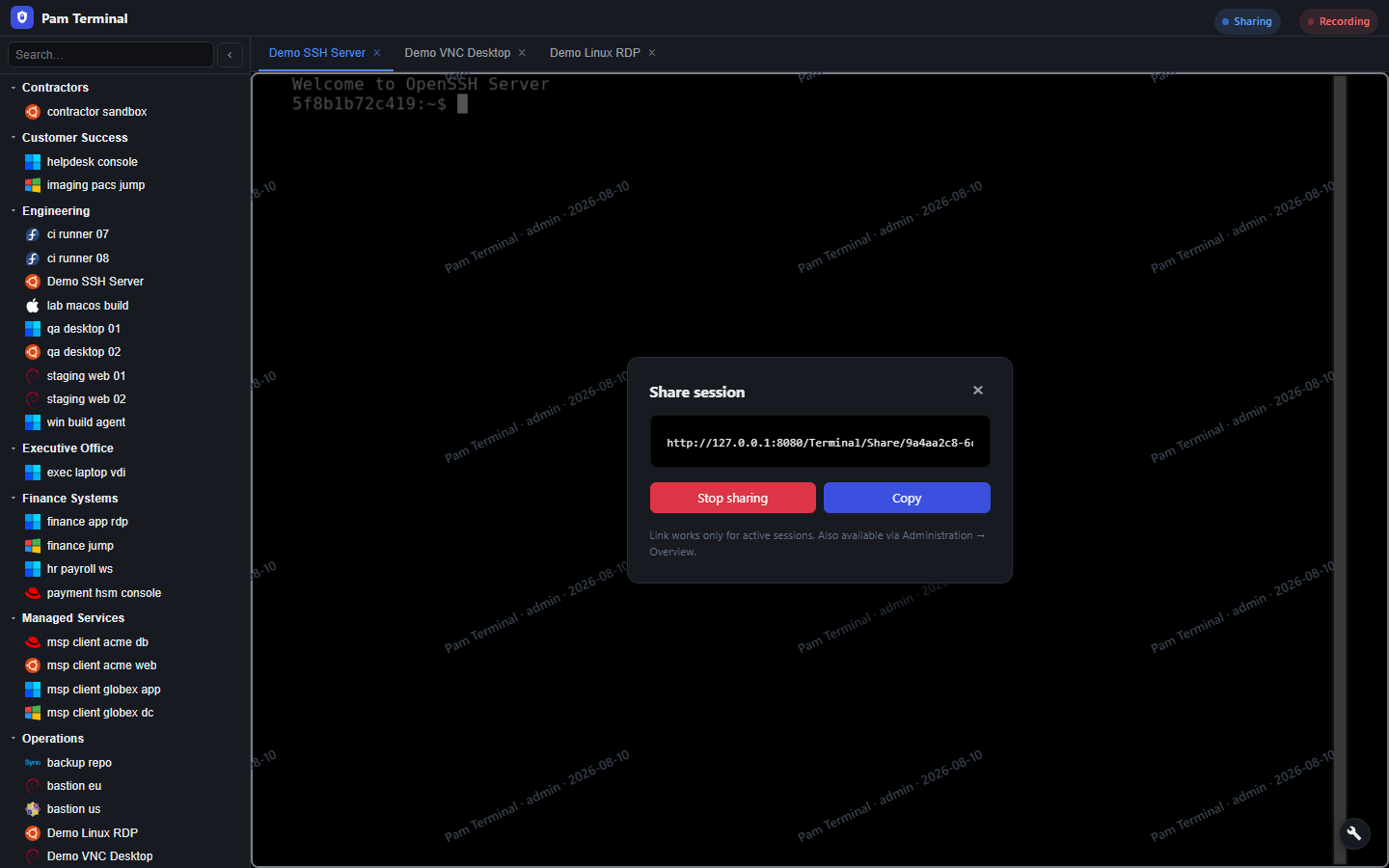
“Vendors no longer dial into a shared desktop password. They get a time-boxed Pam Terminal session, we watch if needed, and compliance gets the recording.”
Needs
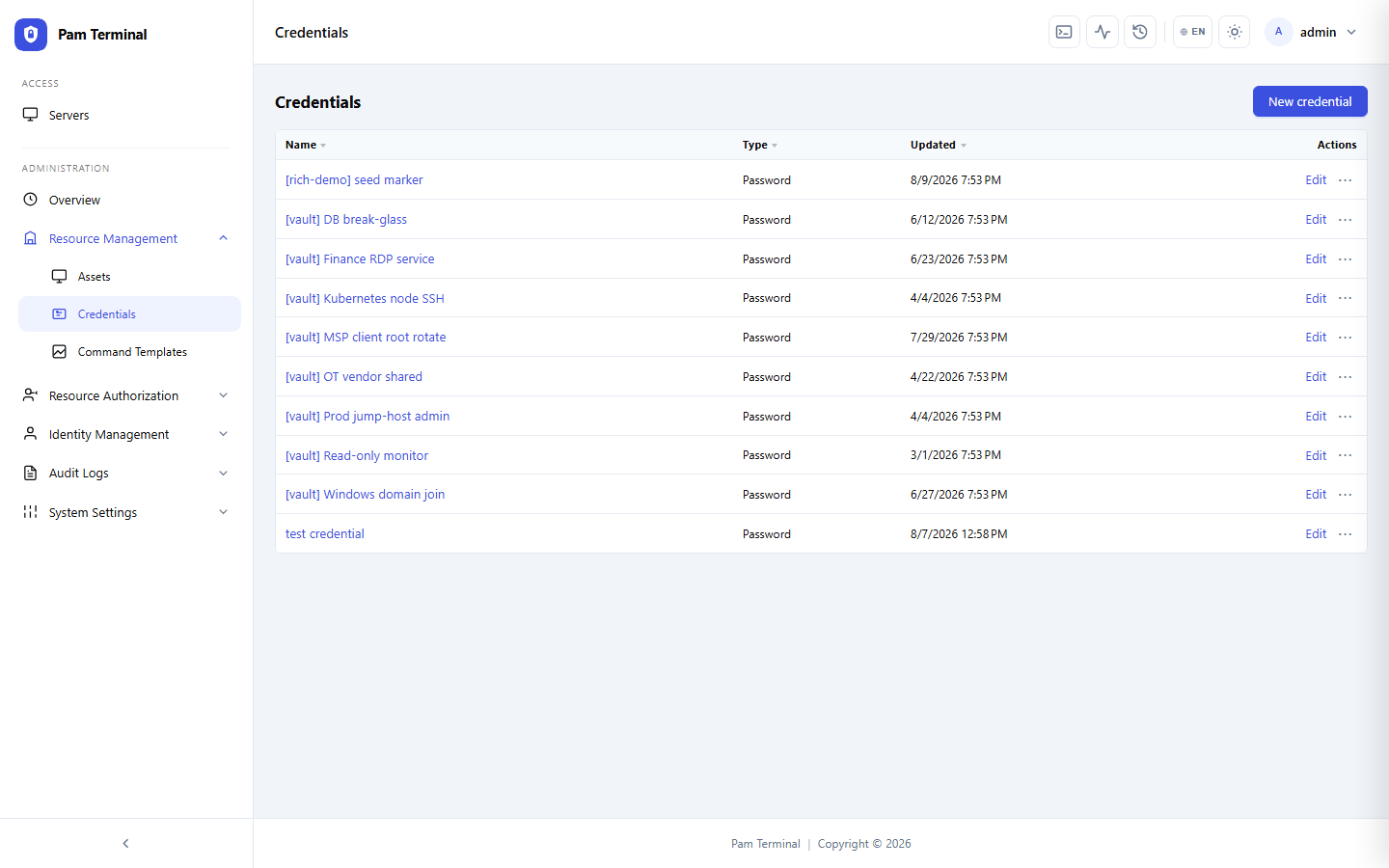
Clinical vendors required remote access, but shared Windows admin passwords were an unacceptable risk.
Privacy officers needed clear records of who viewed PHI-adjacent systems during support windows.
Overnight support staff needed browser access from home without full VDI for every ticket.
How the Team Uses Pam Terminal
Support strategies grant RDP/VNC only to approved imaging and EHR jump hosts, always recorded.
“When privacy asks who was on that imaging server, we answer with a Pam Terminal replay — not a guess.”
Emergency access still goes through Pam Terminal with dual approval and shortened TTL.
Results
Outcomes after clinical remote support moved onto Pam Terminal.
100%
Vendor Sessions Recorded
2h
Typical Vendor Access Window
0
Shared Clinical Admin Passwords
40%
Fewer After-Hours VPN Tickets
15m
Avg Time to Grant Emergency Access
12m
Recording Retention for Reviews