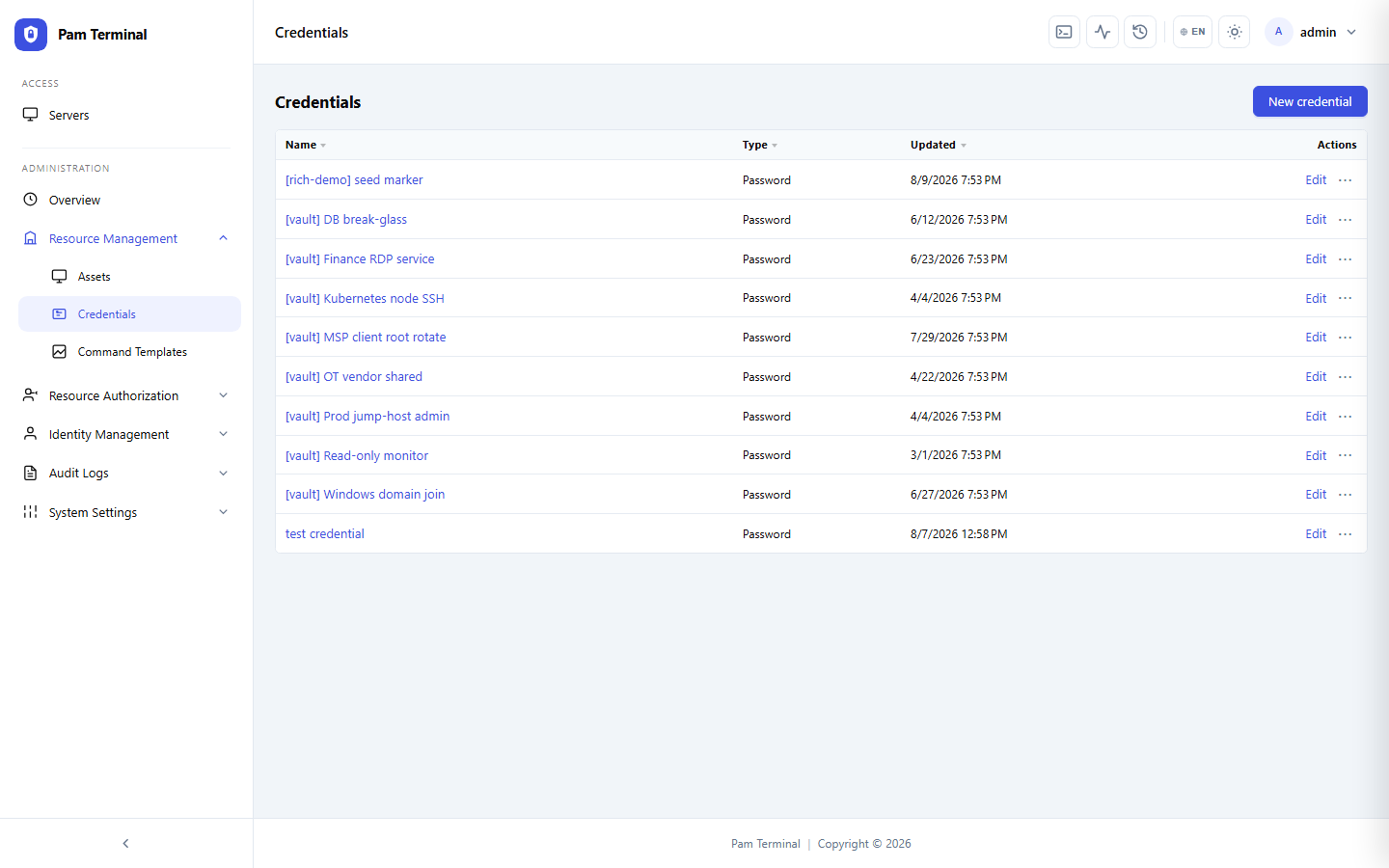
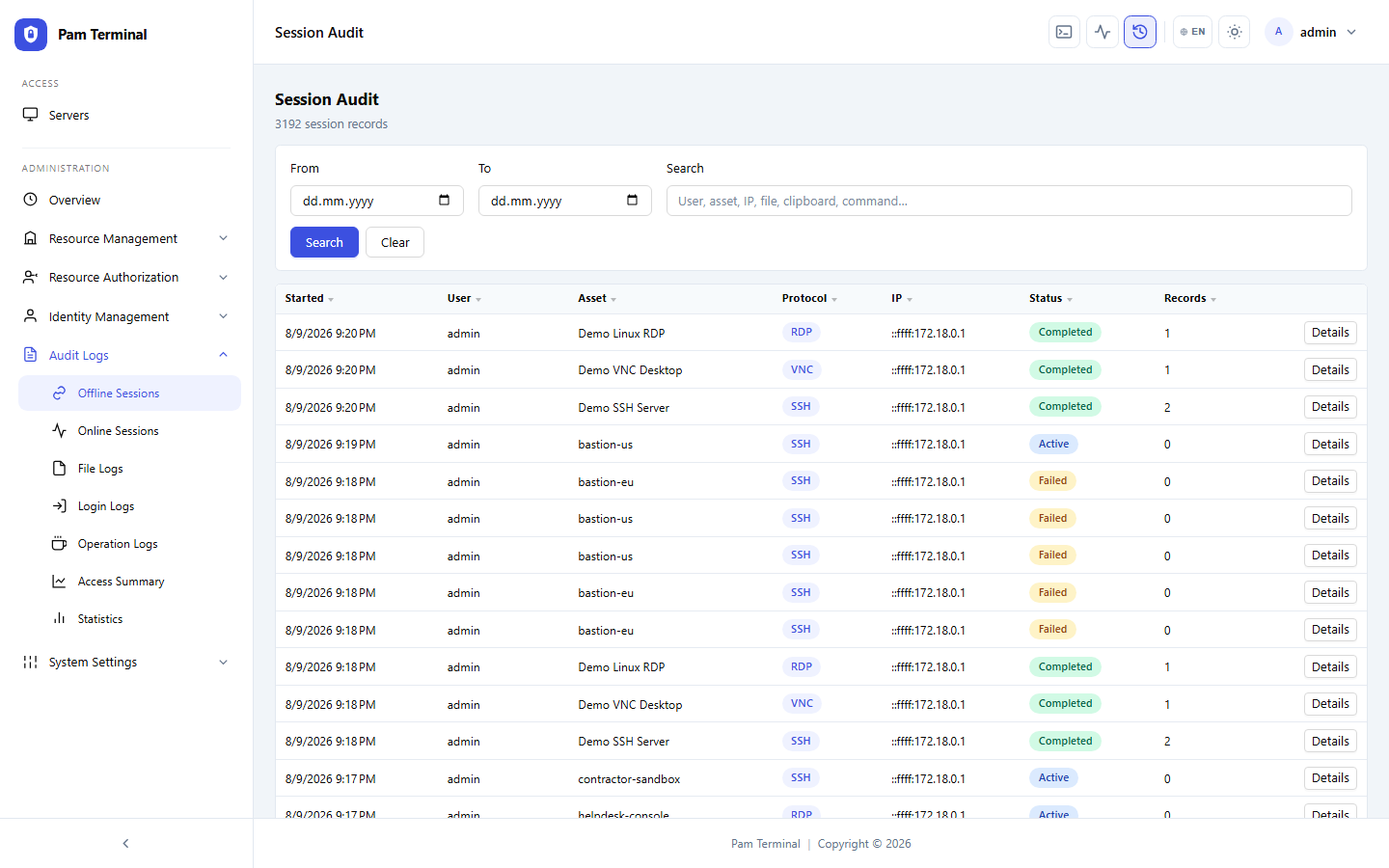
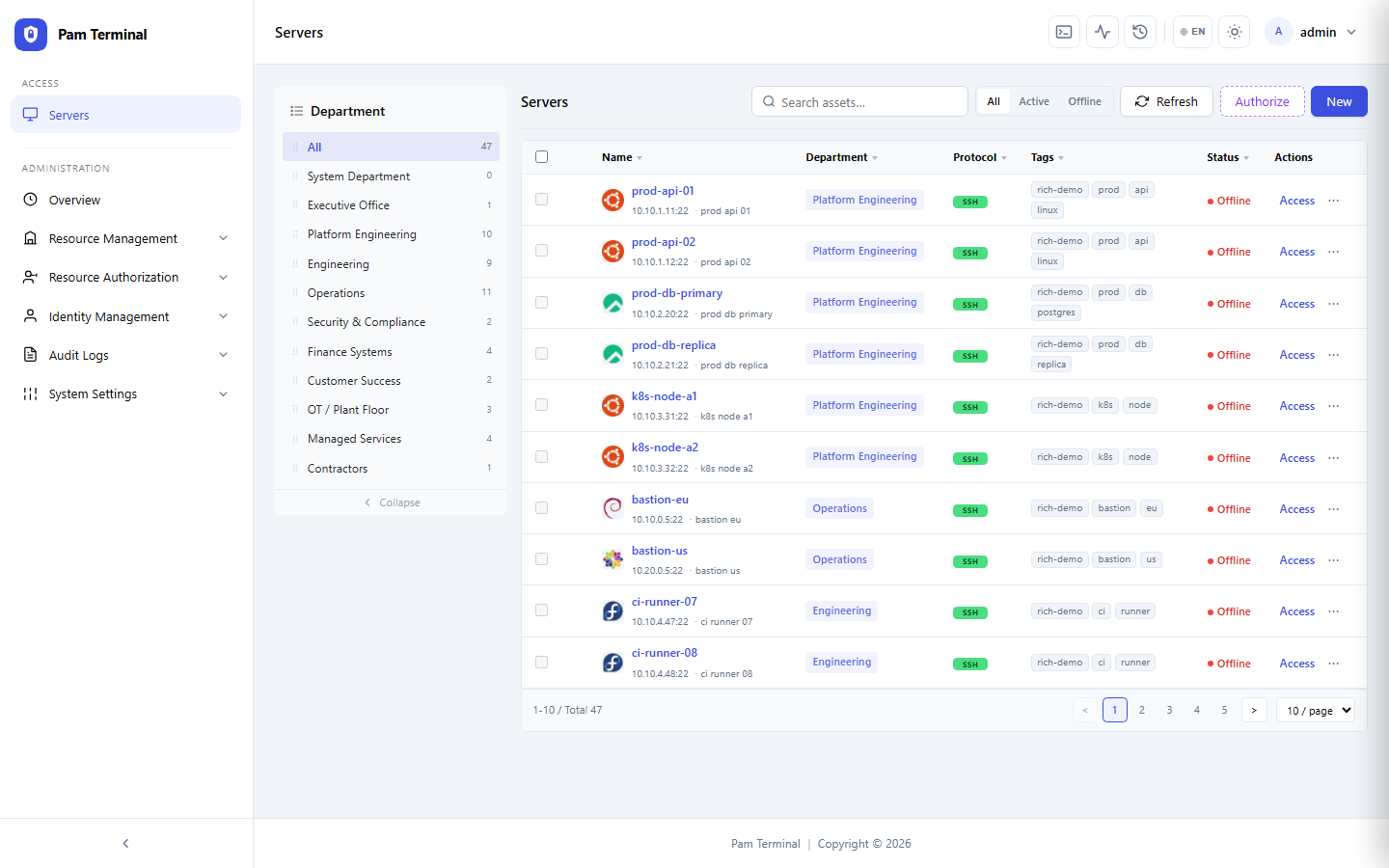
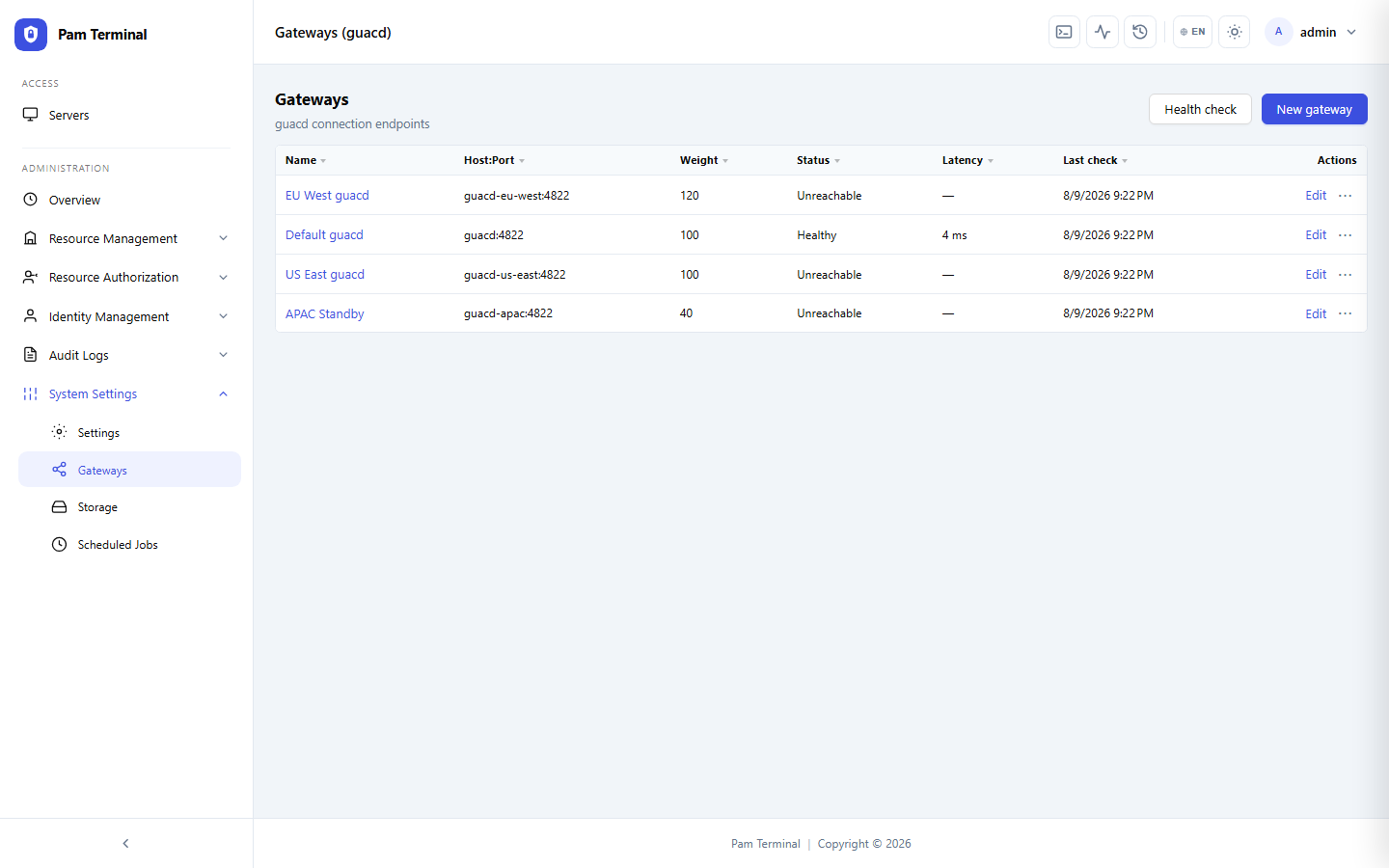
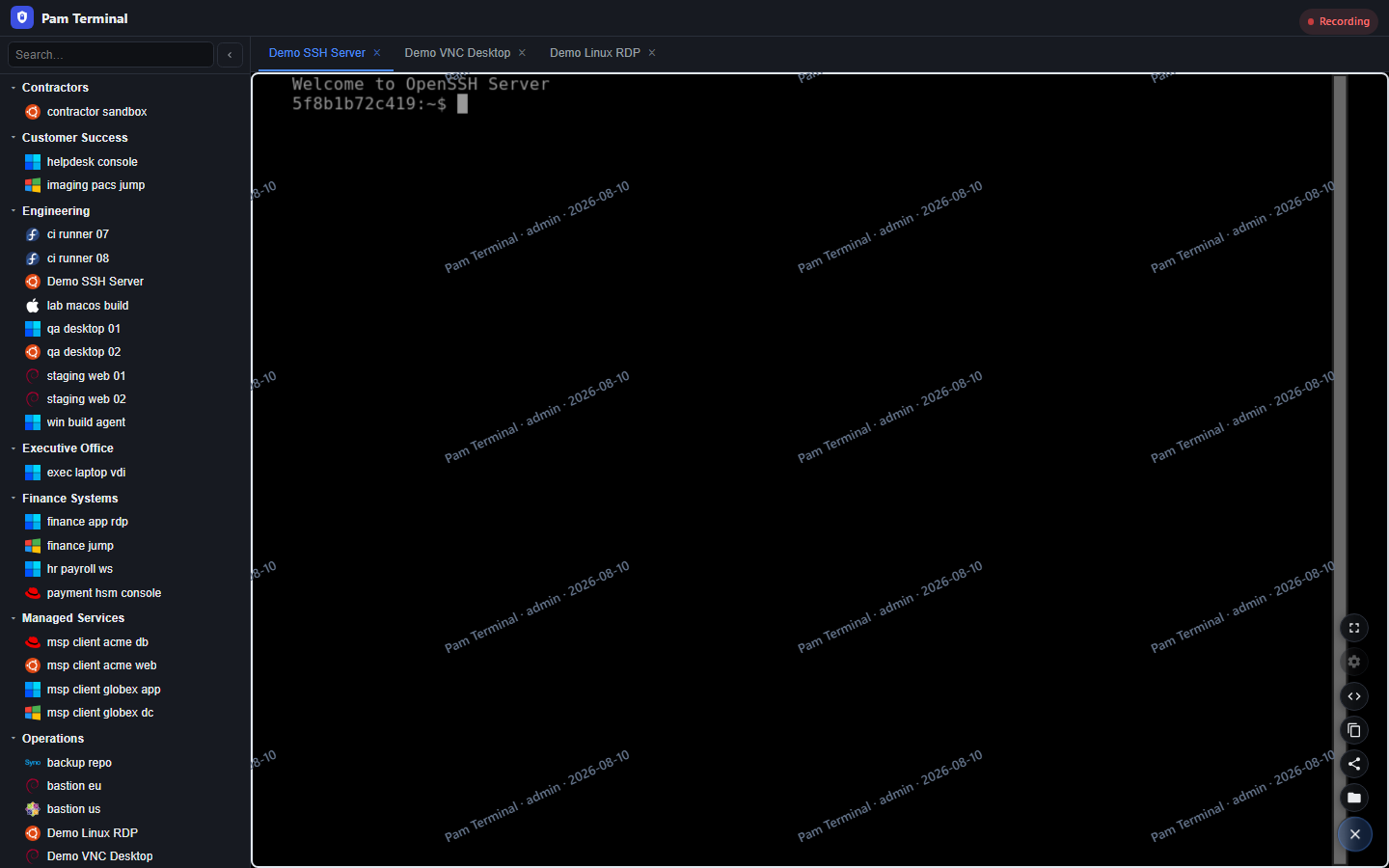
The team collapsed five regional bastions into Pam Terminal. Operators now reach SSH and RDP targets from the browser with consistent policy and recording.
“We do not ship another bastion AMI when a region scales. Assets register into Pam Terminal, strategies decide who can reach them, and every session is recorded.”
Needs
Regional bastions drifted — different SSH CA setups, different logging, different break-glass stories.
Contractors needed short-lived access without installing corporate VPN clients on personal machines.
Leadership wanted one inventory of privileged paths, not five wiki pages of bastion hostnames.
How the Team Uses Pam Terminal
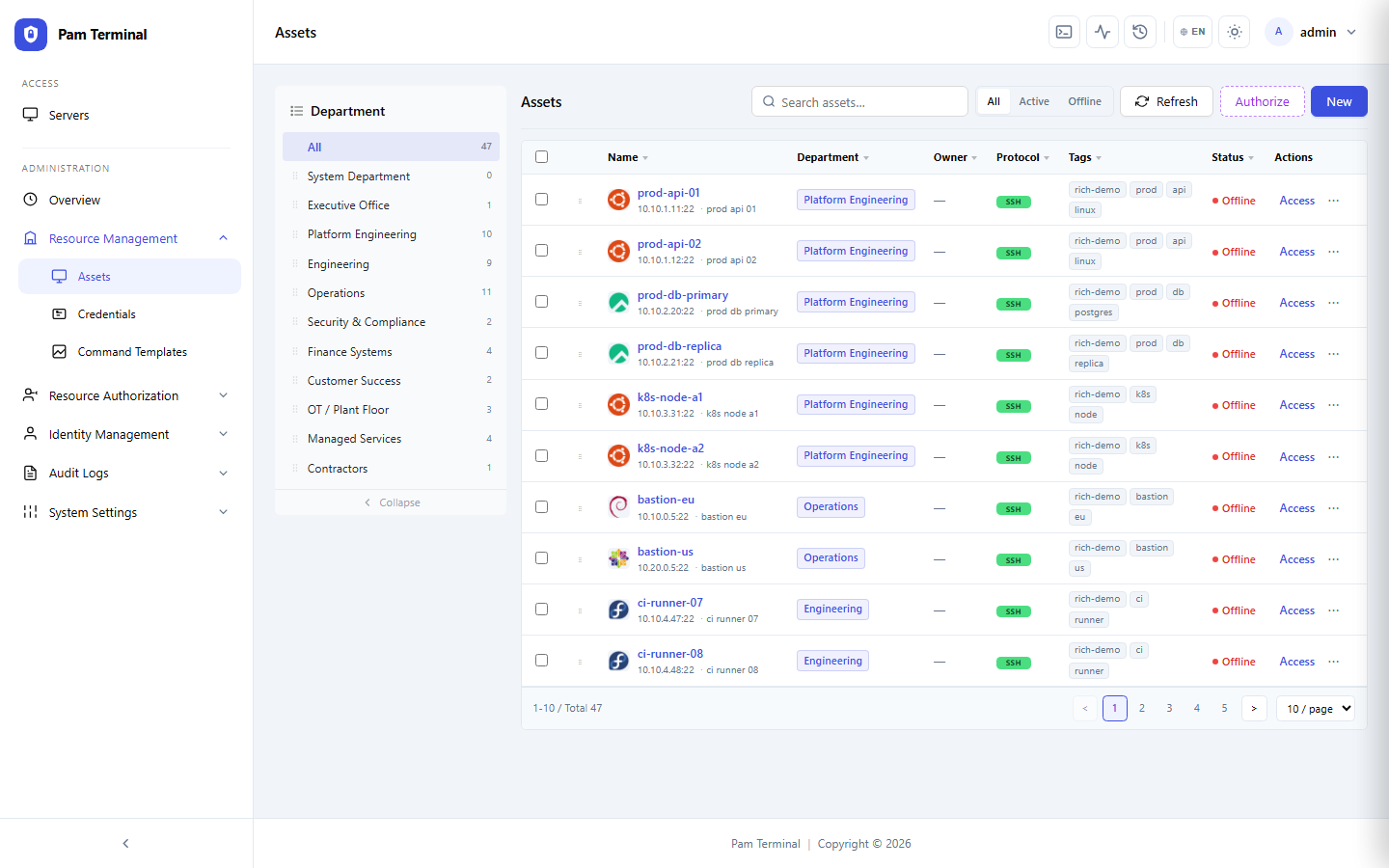
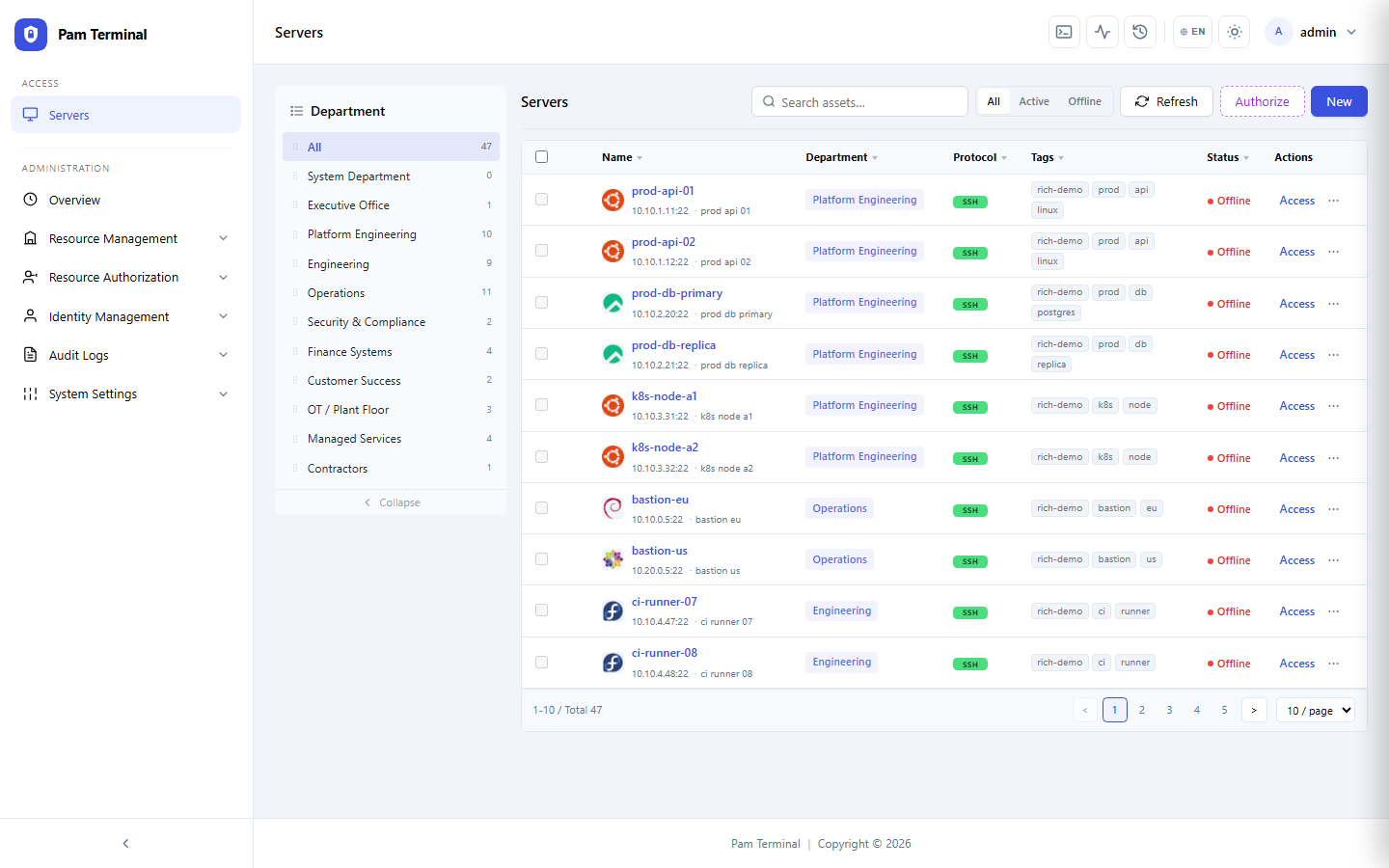
Assets sync from CMDB tags into Pam Terminal groups. Strategies map identity-provider groups to environments.
“Browser-based RDP for Windows jump boxes removed our last excuse for local admin passwords on engineer laptops.”
SRE on-call uses Pam Terminal exclusively for production shells; personal SSH keys to prod hosts were revoked.
Results
Outcomes after consolidating privileged access onto one gateway.
200+
SSH / RDP Assets Connected
5→1
Bastions Consolidated
85%
Fewer Access Exceptions
100%
Prod Shells via Pam Terminal
48h
Max Contractor Access Window
0
Personal SSH Keys to Prod