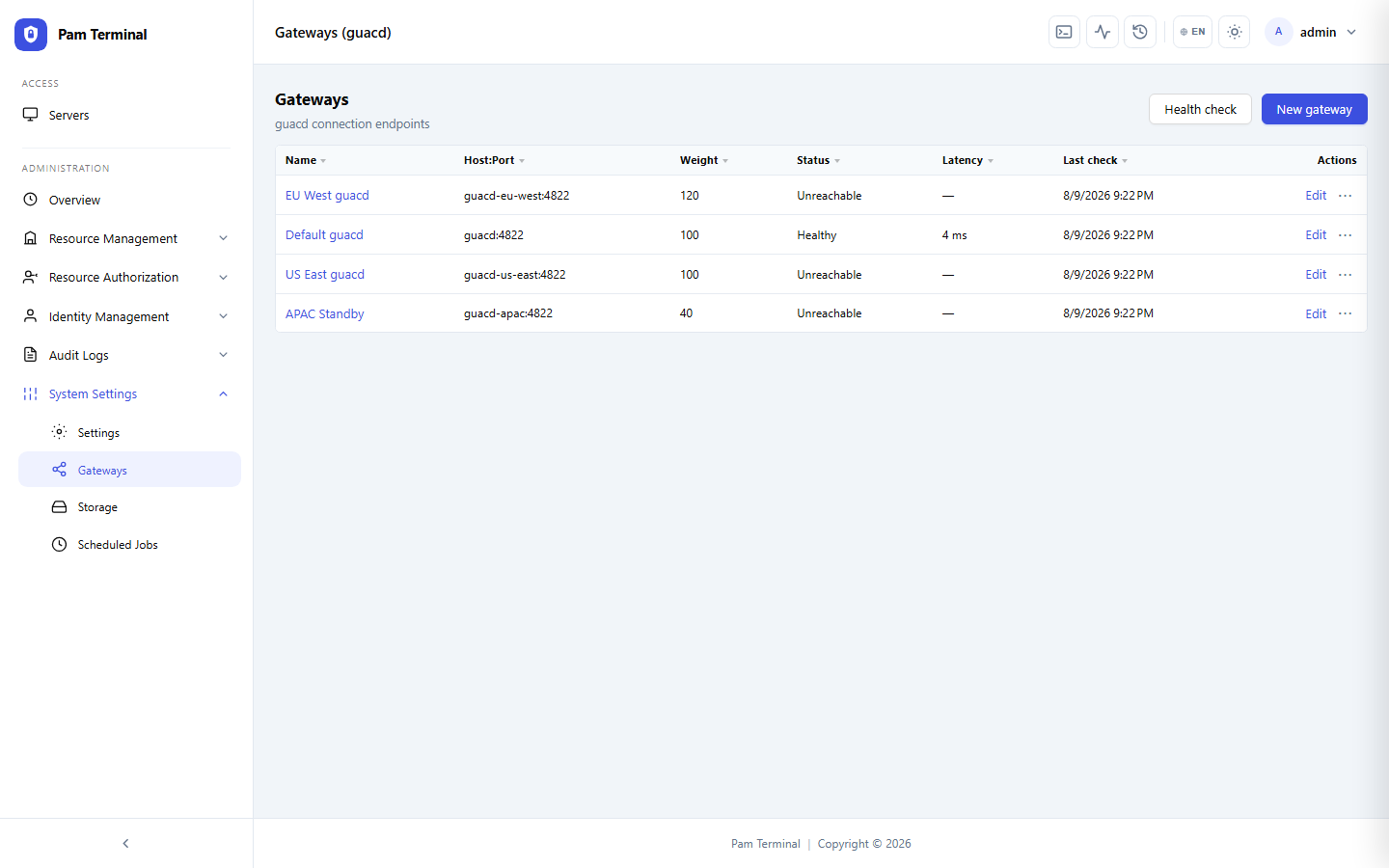
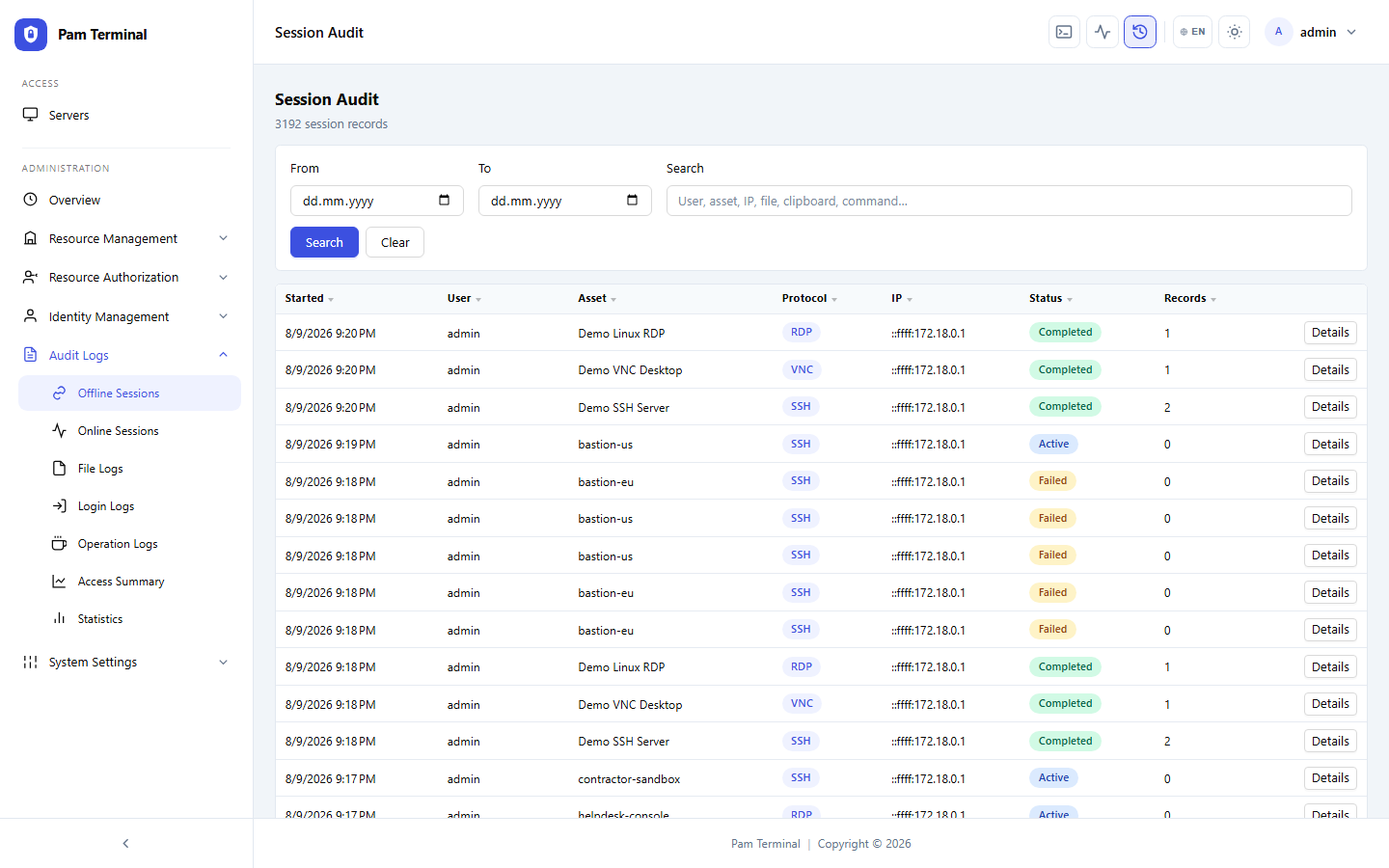
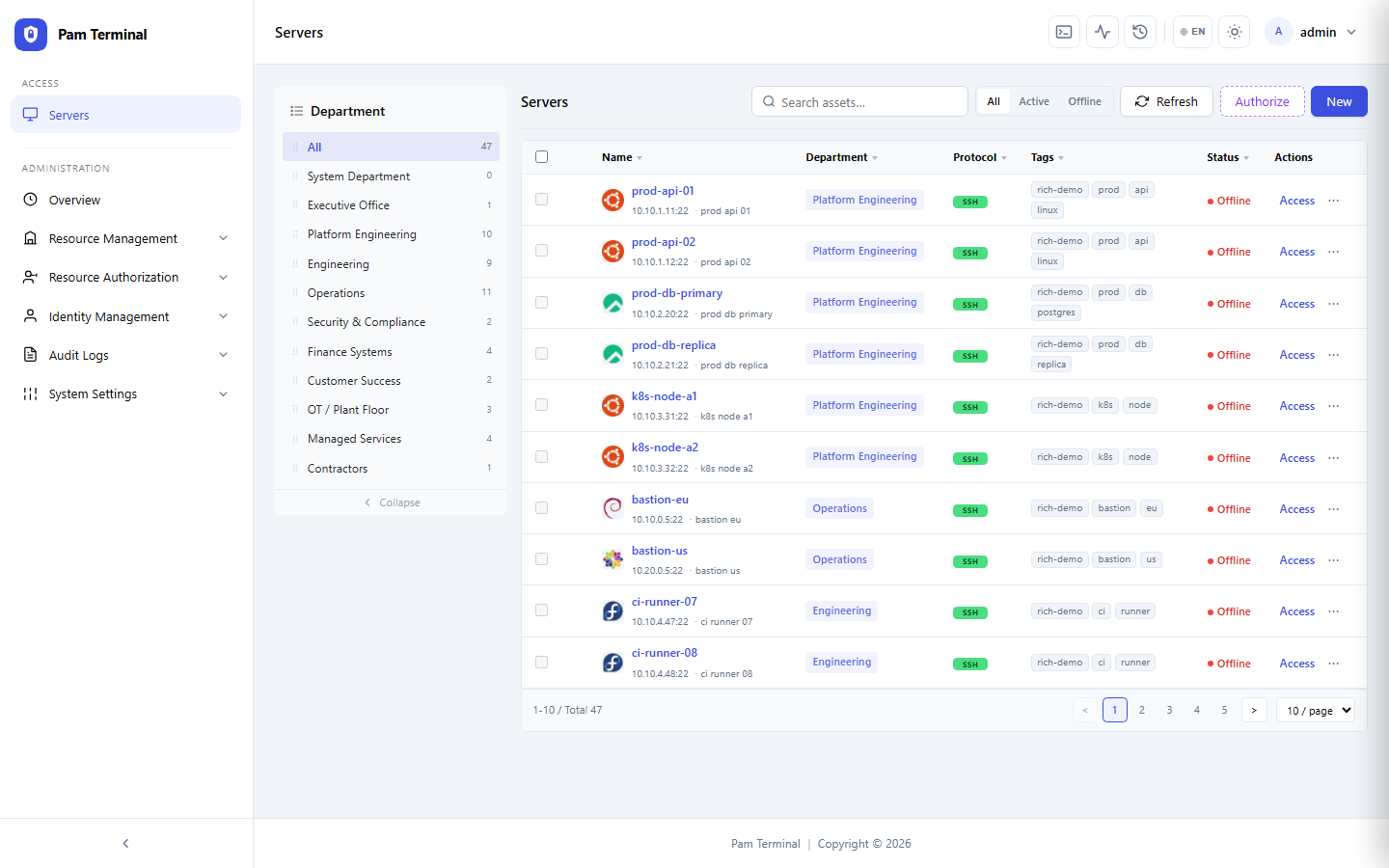
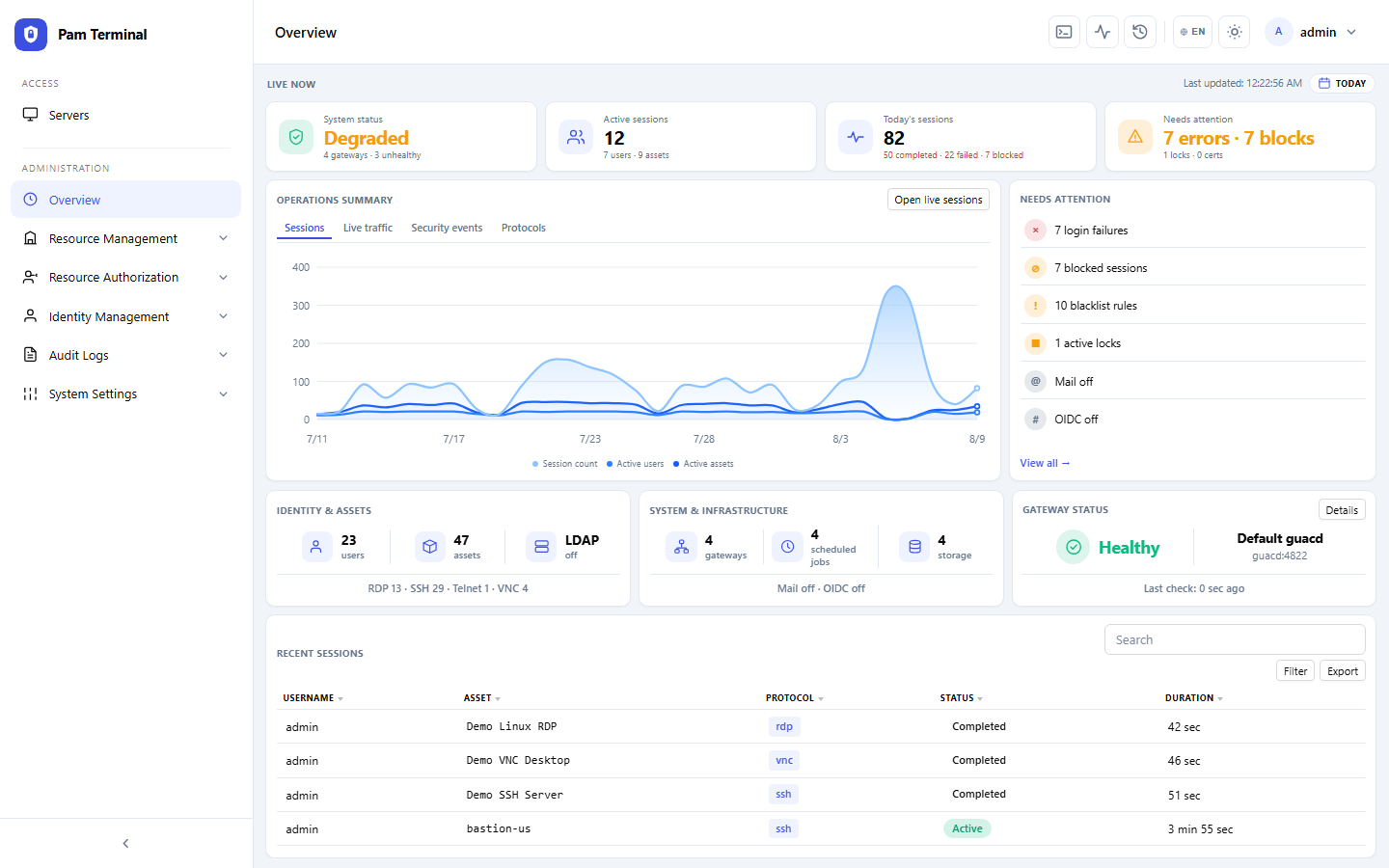
This fintech ops team started rolling out Pam Terminal in one quarter. Standing admin passwords on jump hosts were gone, and every privileged SSH and RDP session was vaulted, recorded, and searchable for compliance.
“We stopped arguing about who had the jump-box password. Pam Terminal gave us browser access, vaulted credentials, and a replay we can hand to auditors the same afternoon.”
Needs
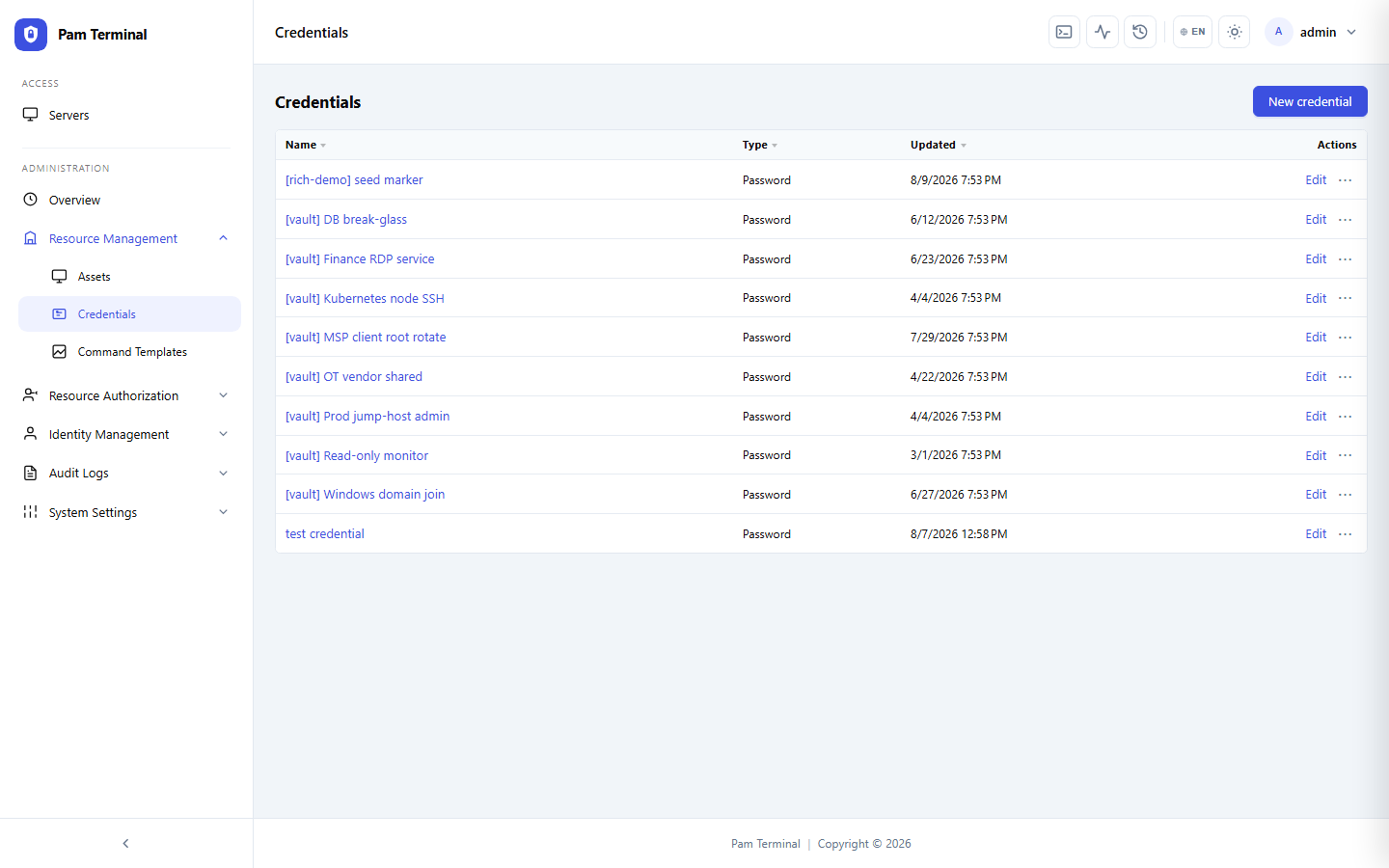
Before Pam Terminal, platform engineers shared a handful of bastion passwords and kept ad-hoc SSH configs on laptops. Session history lived in incomplete syslog snippets.
Auditors asked for proof of who touched production payment rails. Reconstructing that story meant chasing chat threads and incomplete ticket notes.
The team needed browser-based access with LDAP/OIDC, credential vaulting, and full-screen recording — without forcing a heavyweight client install on every contractor laptop.
How the Team Uses Pam Terminal
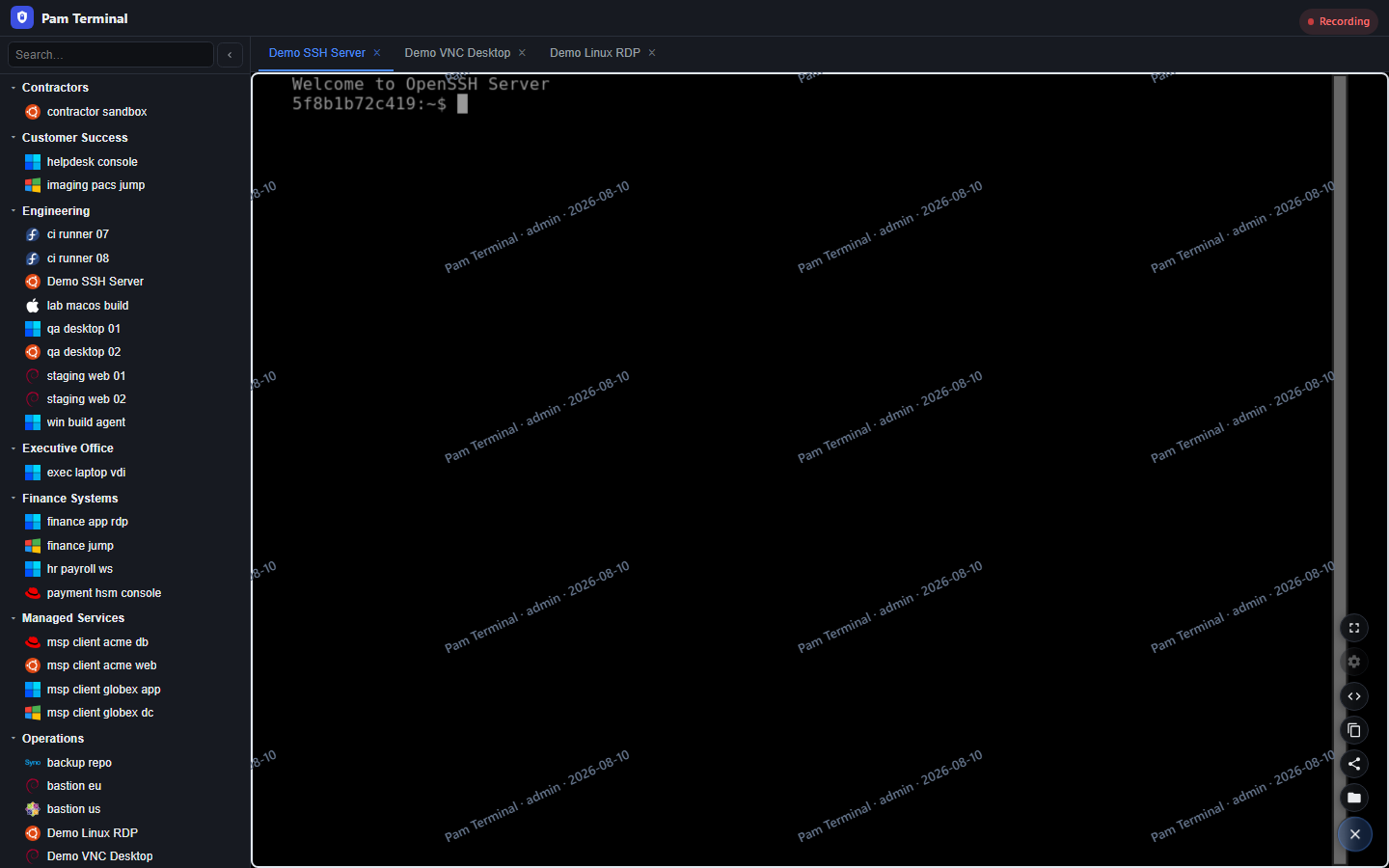
About 40 operators now connect through Pam Terminal daily for SSH into payment services and RDP into finance workstations.
“Vaulted credentials plus session replay closed our biggest audit gap. We approve access in the same place we record it.”
Break-glass accounts are time-boxed. Vendors get temporary strategies instead of permanent VPN + password shares.
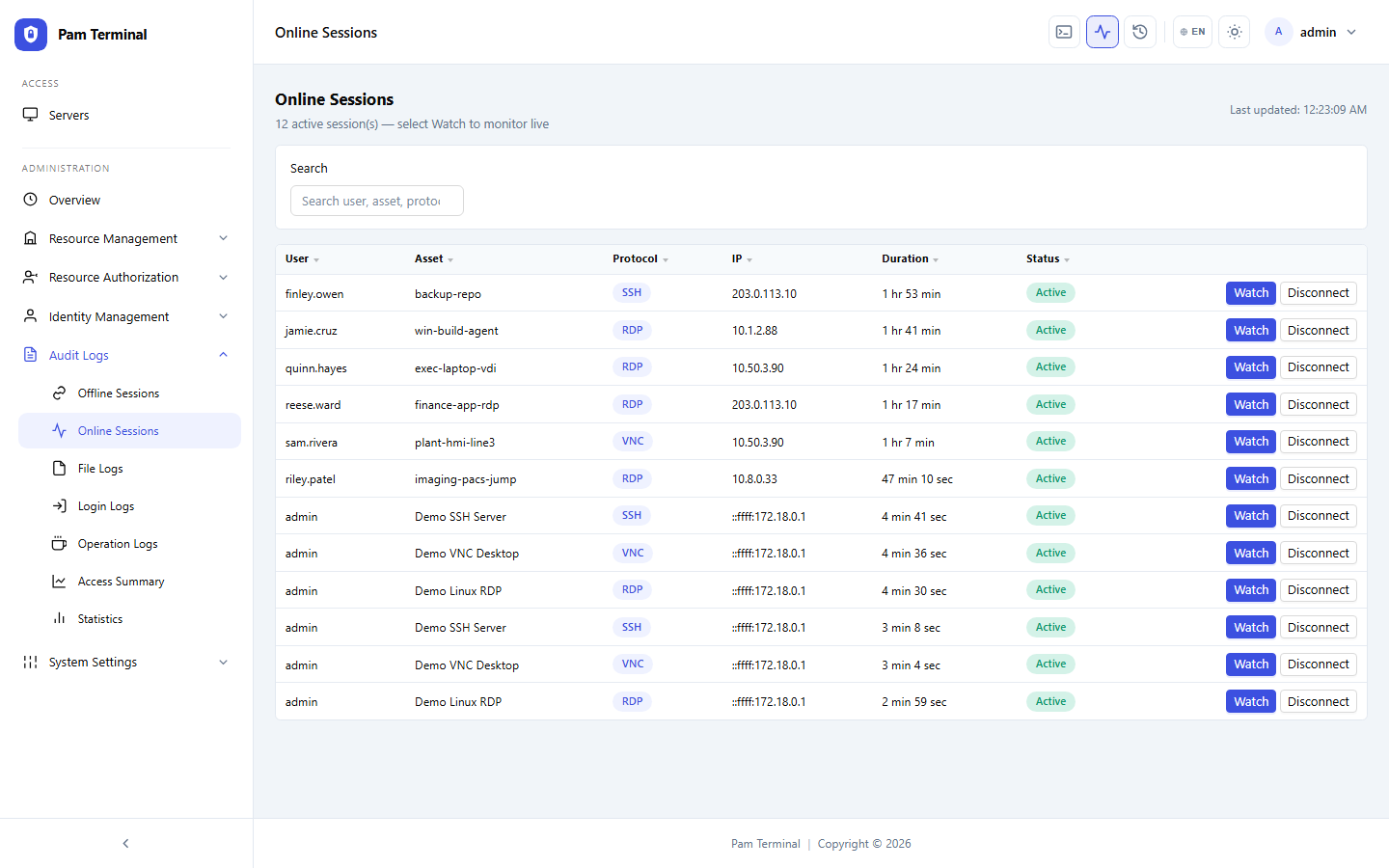
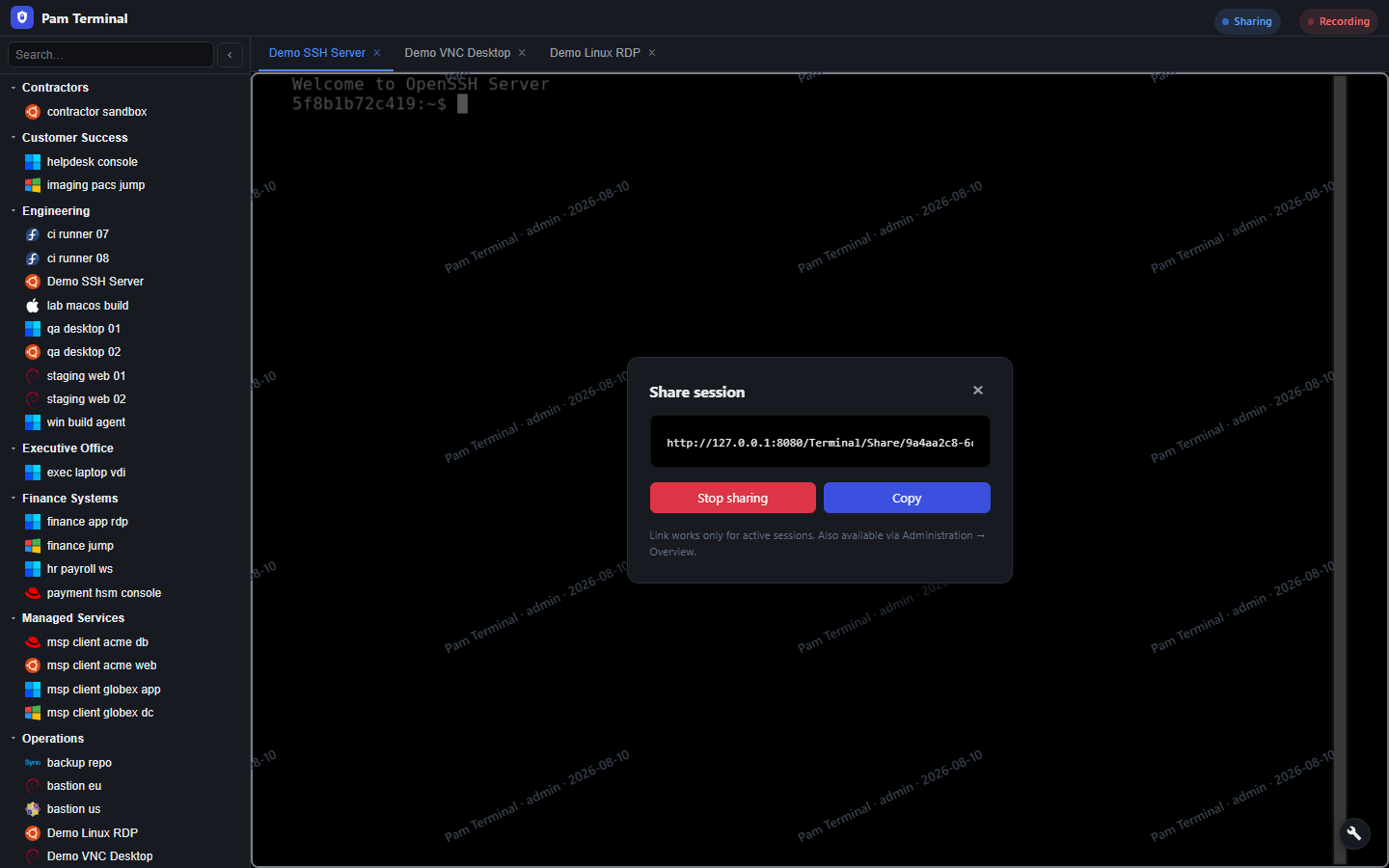
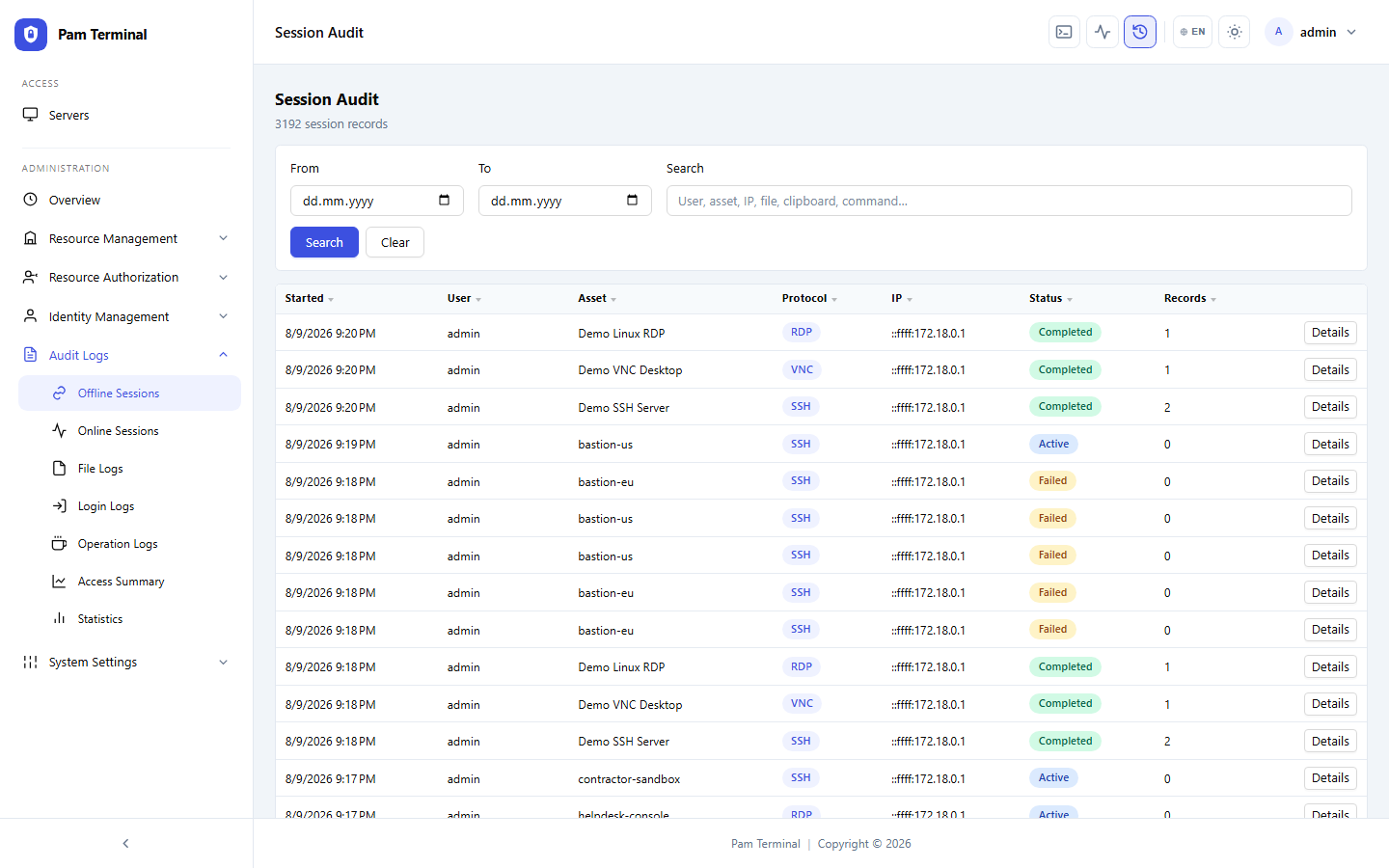
Security reviews now start from Pam Terminal’s audit log and session replay instead of reconstructing activity from host logs alone.
Results
Here is what changed after the team standardized privileged access on Pam Terminal.
0
Shared Bastion Passwords Remaining
100%
Privileged Sessions Recorded
14d
Average Audit Evidence Turnaround
3X
Faster Vendor Access Approvals
99%
Sessions Tied to Named Identities
24/7
Live Session Monitoring Coverage